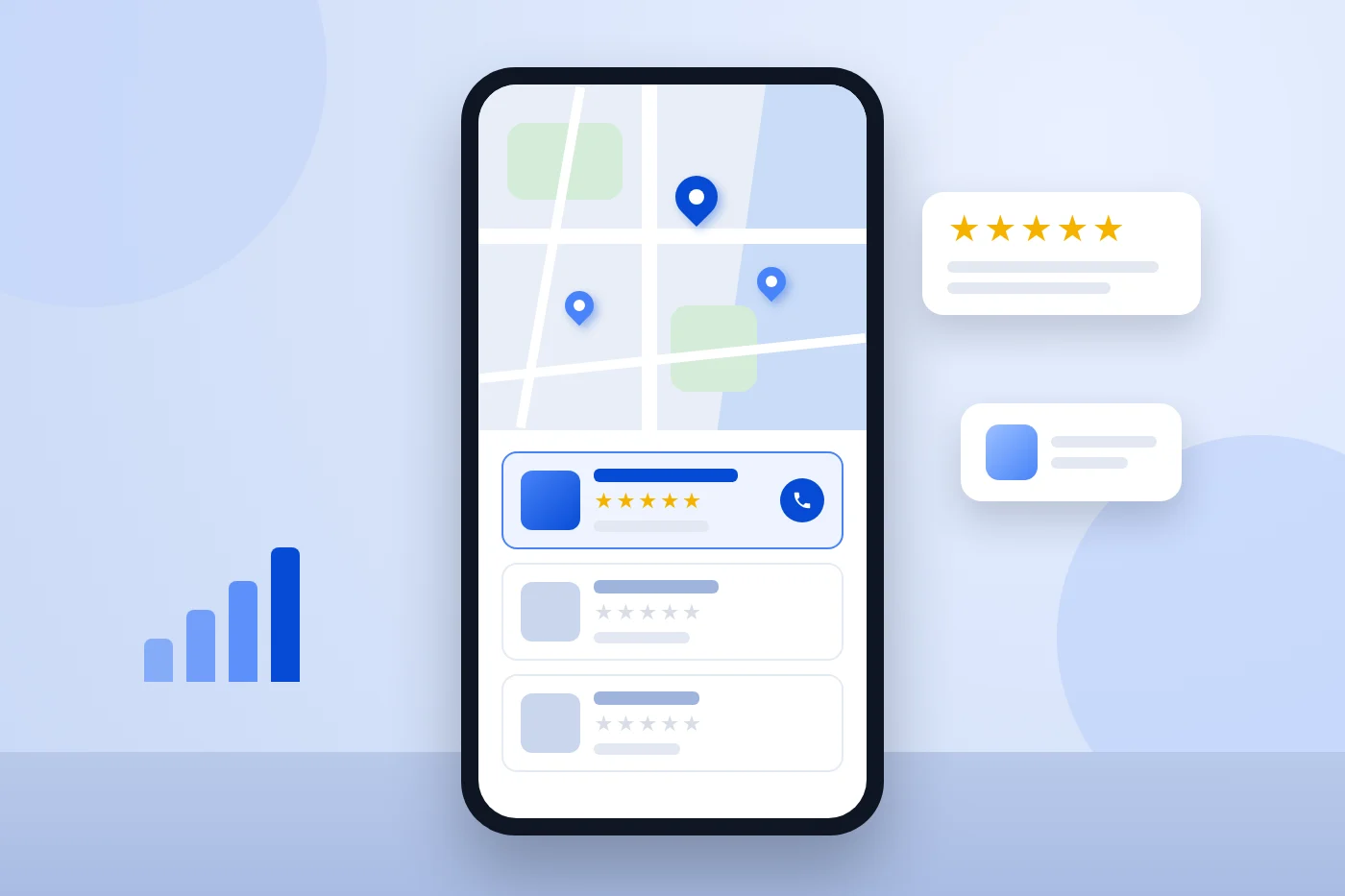
When someone in Toms River searches "water heater repair" or "roofer near me", the first thing they usually see is not a list of websites. It is a map with three businesses under it. Those three get a big share of the calls, and what decides who shows up there is mostly your Google Business Profile.
The good news: most of it is free, and a lot of it you can fix yourself in an afternoon. Here is the checklist we use when we set up a profile for a New Jersey contractor, in the order we would do it.
1. Get the Basics Exactly Right
Use your real business name
Your profile name should match the name on your truck, your invoices and your sign. Adding extra words like "Best Plumber Toms River NJ" to the name is against Google's guidelines, and competitors can report it. A suspended profile costs you far more than any boost the keywords give you.
Pick the right primary category
The primary category is one of the strongest signals in the whole profile. Choose the one that describes your main money-making work, such as "Plumber", "HVAC contractor", "Roofing contractor" or "Electrician". Then add secondary categories for the other work you really do (for example "Water heater installation service" or "Gutter cleaning service"). Don't add categories for work you don't want or don't do.
Set it up as a service-area business if customers don't come to you
Most contractors go to the customer. If people don't visit your shop or office, Google wants you to hide your street address and list a service area instead. List the towns and counties you actually work in, such as Lakewood, Brick, Jackson, Howell and Toms River, rather than drawing the biggest circle you can. A virtual office or a mailbox address can cause problems during verification, so use a real address you can prove. For most contractors that is the shop or home address, which stays hidden from the public.
Keep your name, address and phone the same everywhere
Your business name, phone number and (if shown) address should match on your website, your profile, Yelp, Angi, the BBB and anywhere else you are listed. Small differences, like an old phone number on a directory site, make Google less sure which details are right.
2. Fill In Every Section That Applies
Hours, including holidays
Set your regular hours and update special hours before holidays. If you take emergency calls, say so in your hours and description so people with a burst pipe at 10pm know they can call you.
Services
Add each service you offer as its own item with a short, plain description: "Boiler replacement", "Sump pump installation", "Roof leak repair". This helps Google match you to more specific searches, and it tells customers exactly what you do before they call.
Business description
You get up to 750 characters. Use them to say what you do, where you work, how long you have been doing it and what makes you different (licensed, family-owned, same-day service, financing). Write it for a homeowner, not for a robot. Repeating "plumber NJ" ten times does not help.
Website and phone
Link to your homepage or, if you have one, your main service page. Use the phone number you actually answer. If you want to know how many visits come from the profile, add a simple tracking tag to the website link so it shows up separately in Google Analytics.
3. Photos: Show Real Jobs
Profiles with real photos look more trustworthy, and people do look at them before calling. Upload your logo, a cover photo and, most importantly, photos of actual jobs: finished roofs, new boiler installs, clean panel upgrades, your crew and your trucks with the company name on them.
Skip stock photos. A slightly imperfect phone photo of a real job beats a perfect stock image every time. A good habit is one or two new job photos a week, with a short caption that mentions the town, like "new furnace install in Howell".
4. Reviews: The Part That Moves the Needle
Reviews matter for two reasons: they help you show up in the map results, and they are what convinces people to call you instead of the company next to you. What helps most is a steady flow of recent, genuine reviews, not a burst of twenty and then nothing for a year.
- Use your review link. In your profile, look for the option to ask for reviews. It gives you a short link you can text or email.
- Ask at the right moment. The best time is right after the job, while the customer is happy and you are still in the driveway. A quick text with the link works better than an email a week later.
- Ask everyone, not just your favorites. Google does not allow "review gating" (only asking customers you expect to leave five stars), and it does not allow offering discounts or gifts in exchange for reviews.
- Reply to every review. Thank people by name and mention the job. For a bad review, stay calm, apologize for the experience, and offer to make it right offline. Future customers read your replies as closely as the reviews.
5. Stay Active With Updates
You can publish short updates on your profile, a lot like social media posts: a recent job, a seasonal reminder ("time to service your AC before summer"), a new service or a special offer. A profile that stays active looks like a business that is open and busy. Once or twice a week is plenty, and each update can be just a photo and two sentences.
6. Watch Out for Common Problems
- Duplicate profiles. If an old profile from a previous address or phone number still exists, it can split your reviews and confuse Google. Merge or remove duplicates.
- Edits you didn't make. Anyone can suggest changes to your profile, and Google sometimes accepts them. Log in every month or two and check that your hours, phone and categories are still right.
- Losing access. Make sure the profile is owned by a business email you control, not a former employee or an old marketing company. You can add managers without giving away ownership.
- Verification. New profiles and some big changes require verification, sometimes by video. Have proof of your business ready, such as your truck with signage, your tools and a business document.
The Quick Checklist
- Business name matches your real name, no extra keywords
- Primary category is your main money-making service
- Secondary categories only for work you actually do
- Service area lists the real towns you work in
- Name, phone and address match everywhere online
- Hours and holiday hours are current
- Every service is listed with a short description
- Description says what, where, how long and why you
- Real job photos, with new ones added regularly
- Review link sent to every customer after the job
- Every review gets a reply
- An update posted once or twice a week
- No duplicate profiles, and ownership is on an email you control
Your Profile and Your Website Work Together
The profile gets you into the map. Your website is where many people go next to decide whether to call. If your site is slow on phones, has no page for the service they searched, or doesn't mention their town, some of those people go back and call someone else. Our contractor SEO service covers both the profile and the website, with dedicated pages for plumbers, HVAC companies and roofers. If you are wondering what that costs, we wrote an honest guide to what SEO costs for a contractor in New Jersey.
Want a second pair of eyes on your profile? Send us your business name and the towns you serve, or call or text Mordy at (848) 368-8867. We will tell you what we would fix first, in plain English, with no obligation.
Frequently Asked Questions
Is a Google Business Profile free?
Yes. Creating and managing a Google Business Profile is free. Google Ads, including Local Services Ads, are a separate, paid product.
Should I show my home address on my profile?
No. If customers don't come to your location, hide the address and set a service area instead. Your address is still used for verification but is not shown to the public.
How many reviews do I need?
There is no magic number. What matters is how you compare with the other contractors showing up for the same searches in your towns, and whether your reviews keep coming in. A few new reviews every month is a good steady goal.
Can I list more than one location?
Only if you have a real, staffed location at each address. Separate profiles for towns where you don't have an office are against Google's guidelines and can get suspended. Use your service area and town pages on your website instead.
How long until changes help?
Simple fixes like the right category, complete services and accurate hours can make a difference within a few weeks. Reviews, photos and updates build up over months. Anyone promising you the top spot in the map in a few days is guessing.